
How to Install Mike's Tv
Follow these steps to install Mike's Tv on ONN streaming devices, Android TV / Android boxes, and Android phones & tablets. You only need a username and password (no URL needed). We will provide a Downloader code by text when you are ready to install. If you need help at any time, text 252-371-1436.
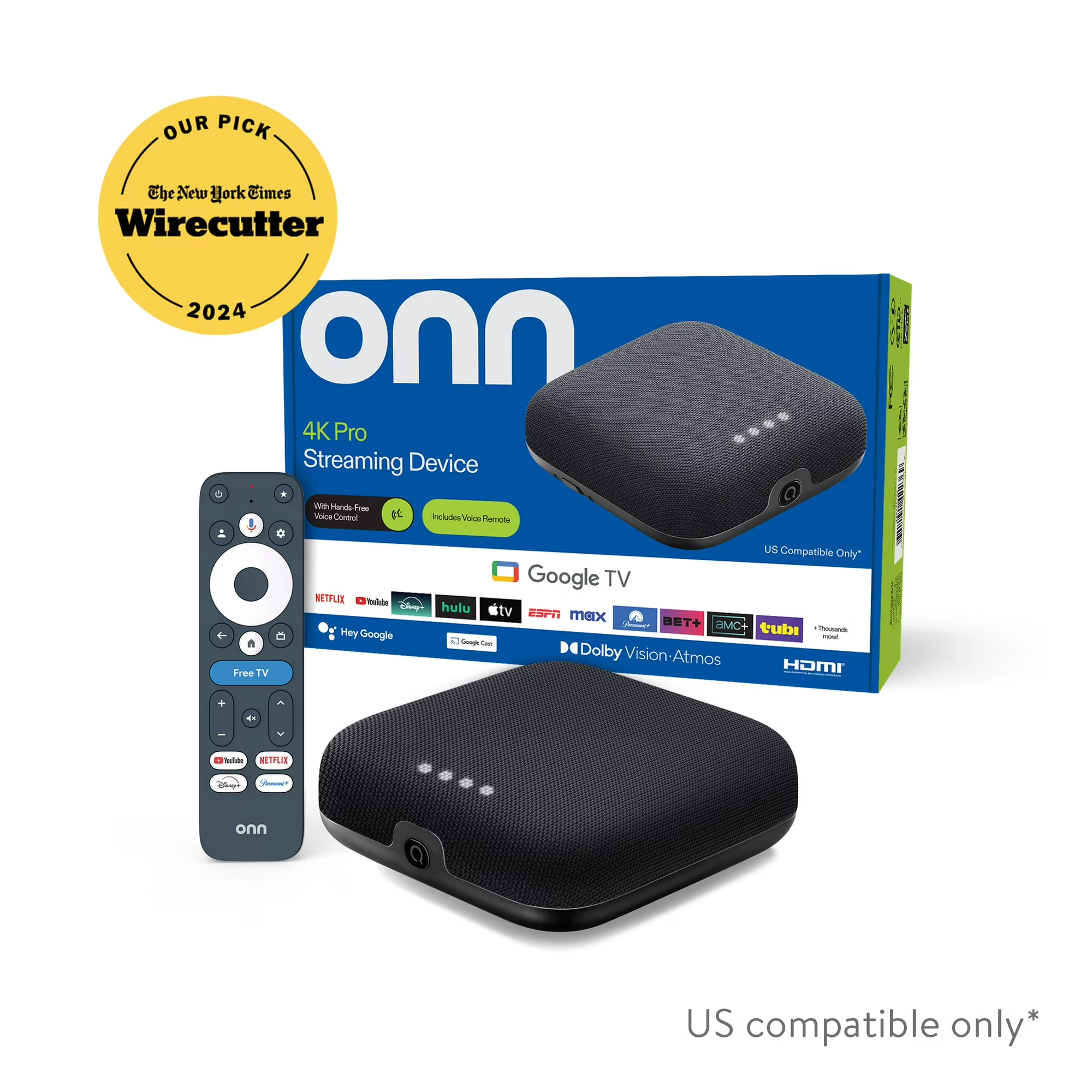
Recommended Device
For the smoothest experience, we recommend an Onn Android streaming device from Walmart.
1️⃣ Install via Downloader (Recommended)
Use the Downloader app and our short code so you don’t have to type long links. This works great on ONN and other Android TV / Google TV devices that support Downloader.
- On your device, open the Google Play Store or device app store.
- Search for and install “Downloader” by AFTVnews.
- Open Downloader.
- On the Home tab, enter the Downloader code we provide (we will send it to you).
- Press Go. The Mike's Tv app will download from our server.
- When prompted, choose Install.
- After installation, open the Mike's Tv app.
- Log in with the details we send you:
- Username
- Password
If you get a warning about installing apps from unknown sources, enable Allow from this source and continue.
2️⃣ ONN & Other Android TV / Android Boxes
If Mike's Tv is available is available directly in your device’s store, you can install it from there.
- On your ONN or Android TV device, open the Google Play Store or device app store.
- Search for Mike's Tv (or the app link we provide you).
- Install the app.
- Open the app and enter:
- Username (provided by us)
- Password (provided by us)
3️⃣ Android Phones & Tablets
- Open the Google Play Store on your Android phone or tablet.
- Search for Mike's Tv (or the app link we send you) and install it.
- Open the app and choose the option to log in with Xtream or API (if shown).
- Enter the details we send you:
- Username
- Password
4️⃣ Direct APK Install (Advanced Users)
For advanced Android users who prefer a direct APK install, we can provide a download link. This method is optional and not required if you use the Downloader code.
- Contact us by text at 252-371-1436 and request the direct APK link.
- We will send you the link and instructions tailored to your device.
- Make sure you know how to enable “Install unknown apps” on your device before using this method.
We recommend the Downloader method for most users. We will provide a Downloader code by text when you are ready to install.